Square Face Cube Generator
Build cube-style avatars with crisp edges and steady proportions. Square Face Cube Generator runs in your browser and exports PNG icons instantly.
Meet the Square Face Cube Generator
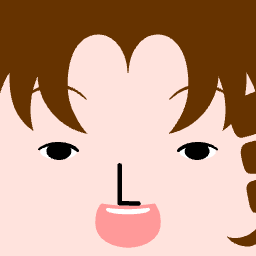
Square Face Cube Generator turns the square-face look into a clean cube avatar. The focus is on blocky proportions, bold outlines, and readable features so the icon stays sharp at tiny sizes.
Everything runs locally in the browser, so the workflow stays fast and private. Choose a cube base, refine the details, and export a PNG without accounts or uploads.
Use the cube style when you need a playful, geometric profile set. It is ideal for teams, communities, and games that want a consistent blocky identity.
Square Face Cube Generator Gallery
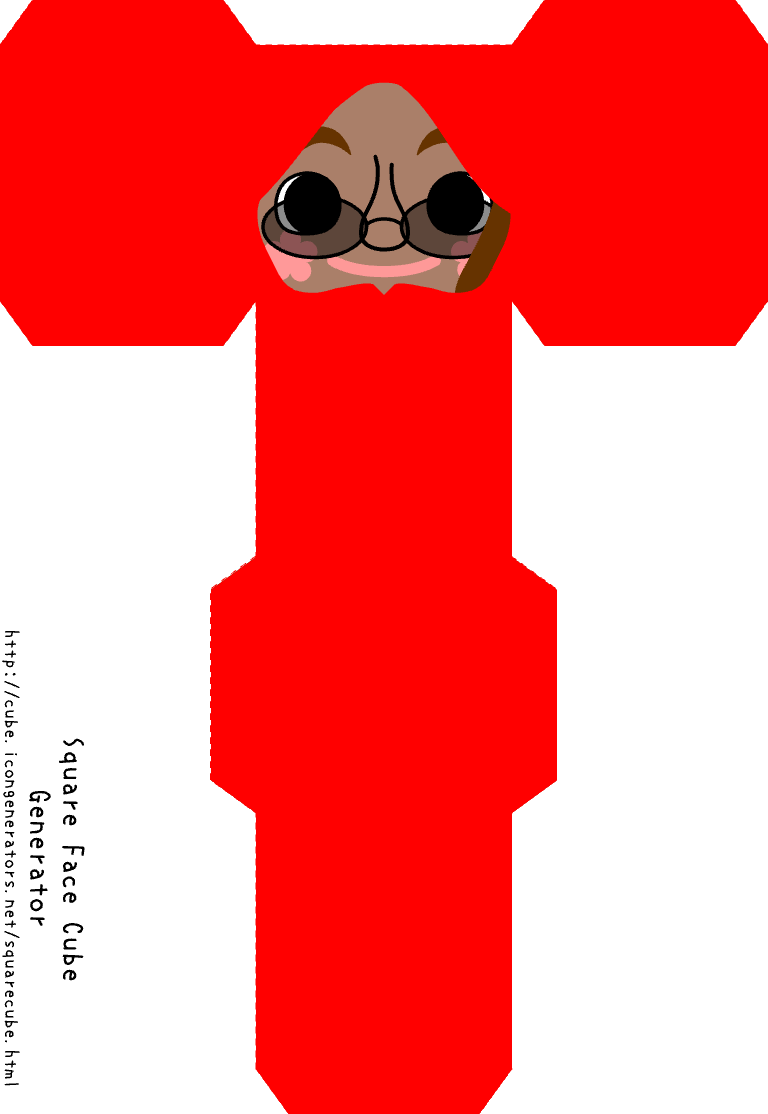
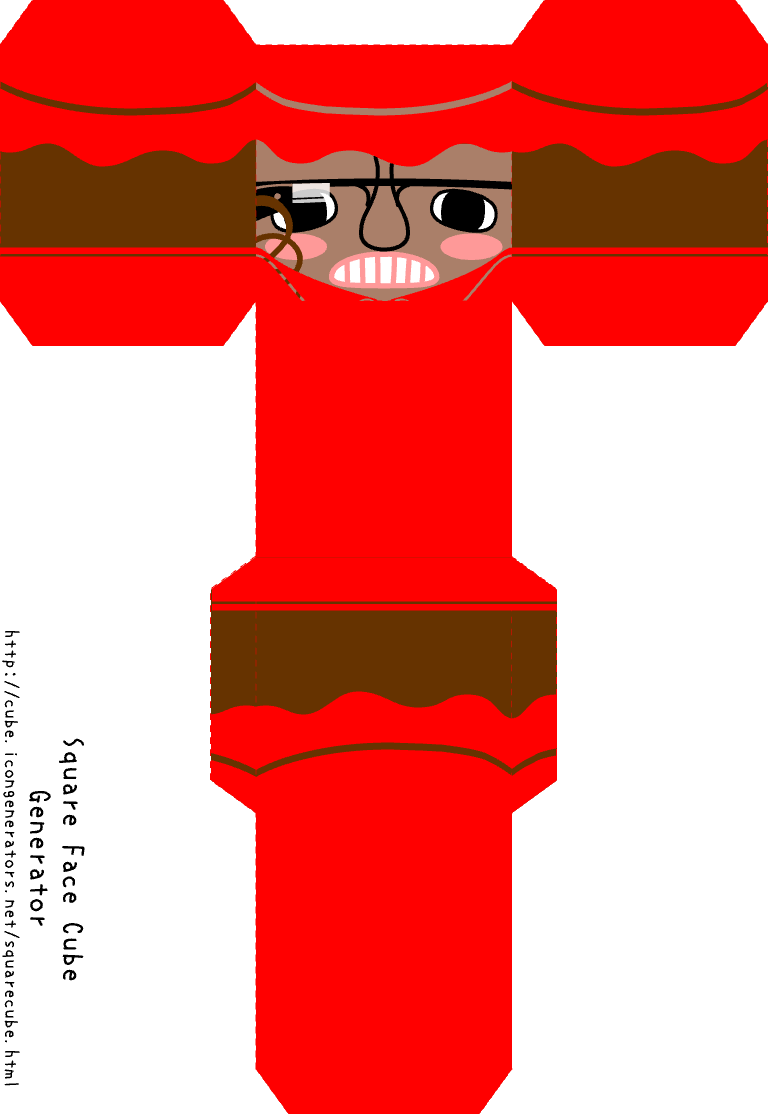
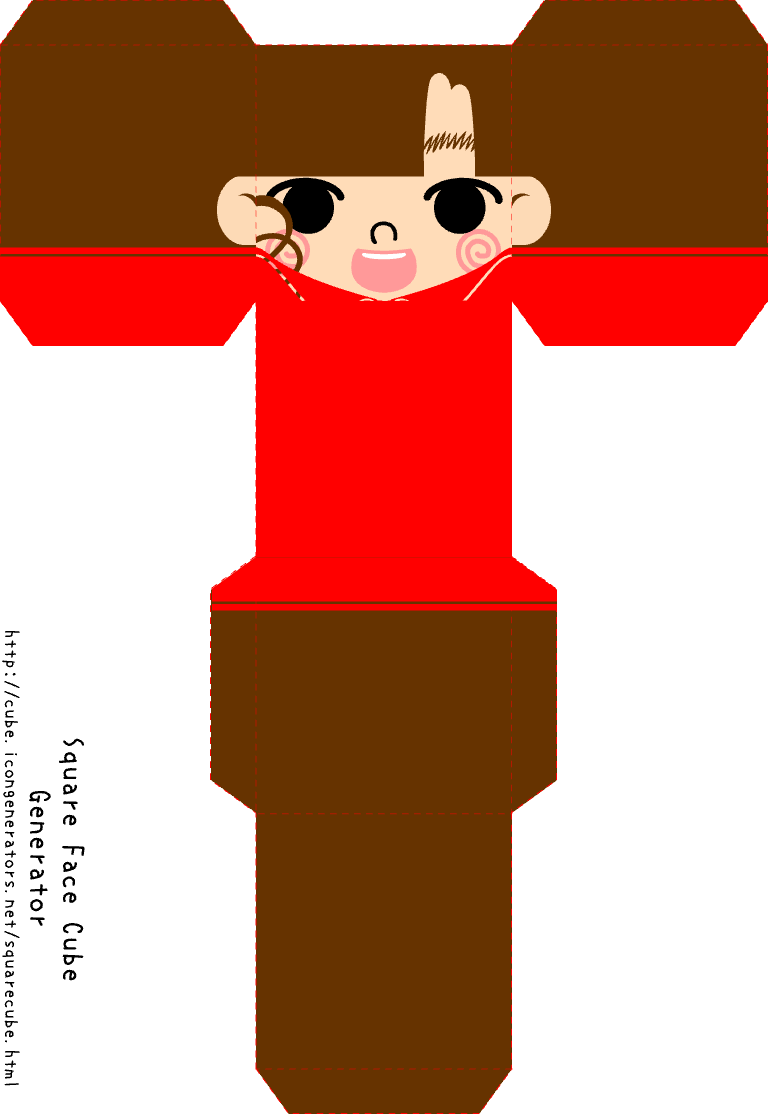
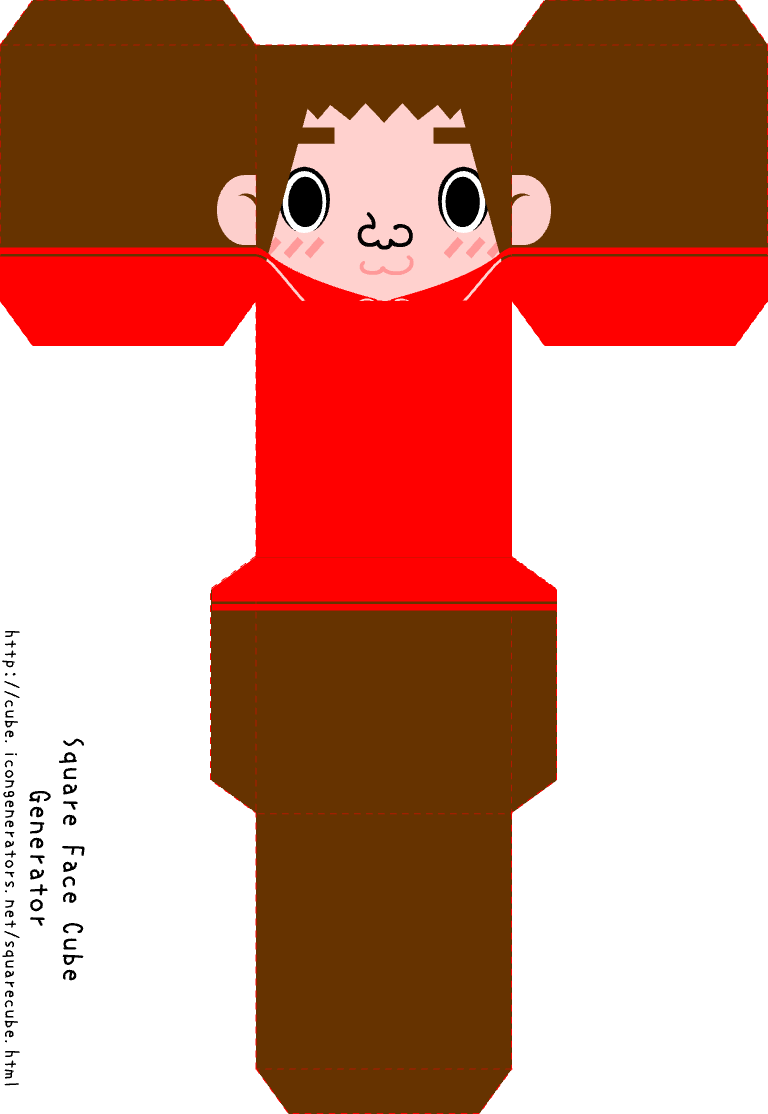
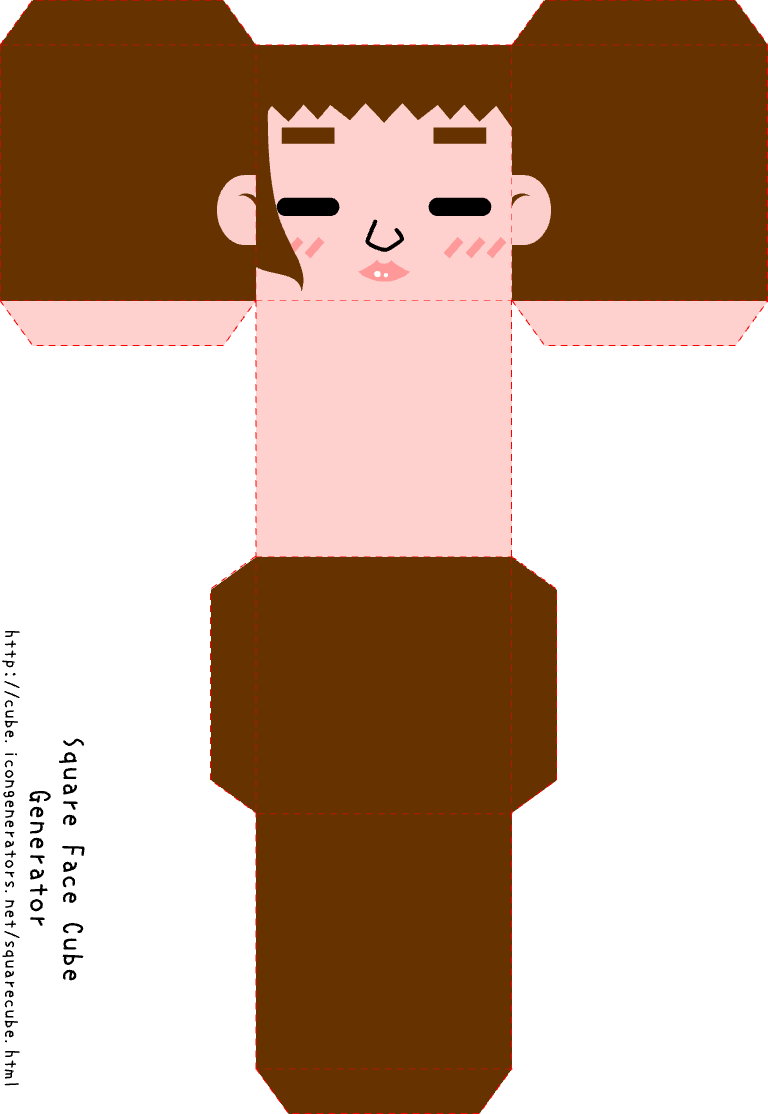
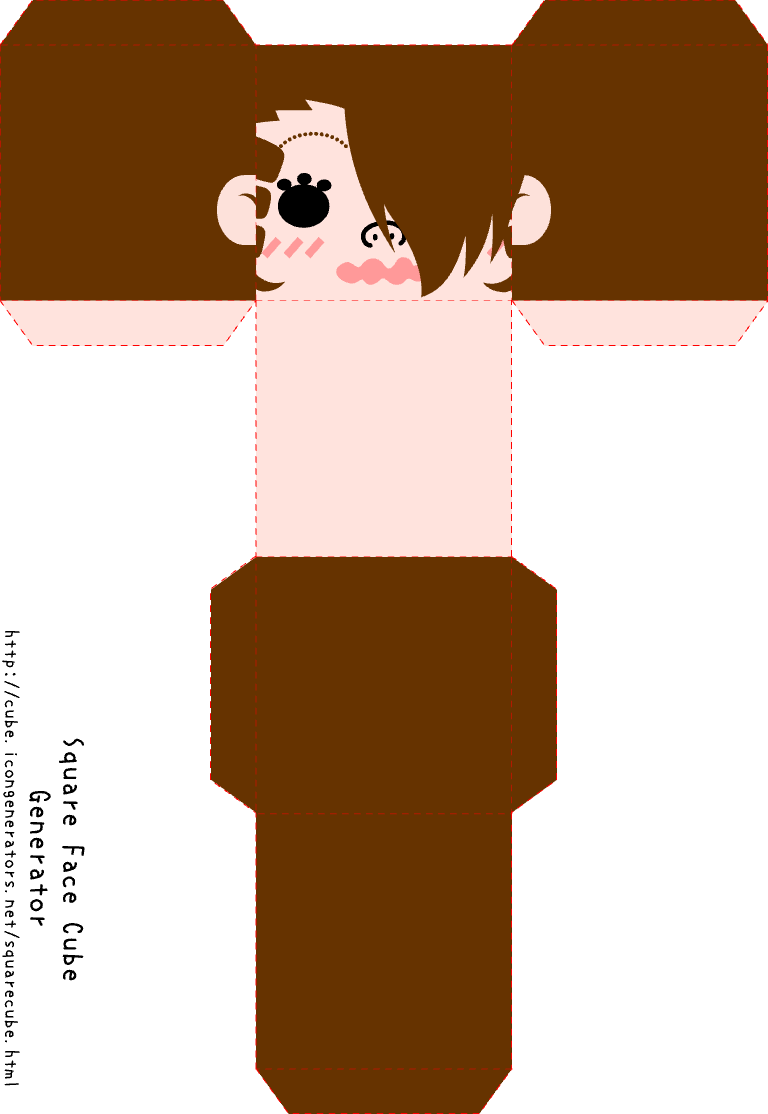
These samples show how small tweaks shift the mood while the cube silhouette stays locked. That consistency keeps the set cohesive even when colors and features vary.
Use the gallery as a palette guide. Softer tones feel friendly, deeper tones read bolder, and contrast keeps the cube face legible in grids.
We will expand the gallery with themed cube sets, but the core idea stays the same: fast variation without breaking the cube rules.
How to Use Square Face Cube Generator
Select a cube base
Start with the cube face and choose the core proportions.
Tune facial details
Adjust eyes, hair, and accents to shape the expression.
Export the cube icon
Save a PNG once the cube face looks right.
Work from large shapes to small details. That order preserves the cube structure while you explore style variations.
Focus on contrast so the face reads at 48–64px. If tones are too close, the cube edges blur and the icon loses definition.
When you find a look you like, export it and reuse the palette for a full set. The cube system makes batch creation quick.
Why Square Face Cube Generator Works
Cube-ready proportions
Every option respects a clean cube silhouette.
Fast local workflow
No accounts, no uploads, just instant editing.
Consistent batch output
Icons stay unified across a full set.
The generator is tuned for cube faces, not generic avatars. Each choice supports the blocky style instead of fighting it.
Because it runs locally, the tool responds immediately. You can iterate fast and keep everything on your device.
Consistency matters when you need a set. The cube rules keep each icon aligned so the group reads as one family.
Square Face Cube Generator Tips
Keep edges readable
Use clear outlines and avoid low-contrast combos.
Limit the palette
Two to three tones keep the cube clean.
Preview small sizes
Check the icon at tiny scales before export.
Blocky icons depend on clear edges. Make sure hair and skin tones separate cleanly so the cube outline stays sharp.
Stay simple. One accent and a strong base color go further than stacking multiple accessories.
Test the icon in real UI contexts. A cube avatar that works in a grid will also read well in chat lists and badges.
Square Face Cube Generator vs Other Avatar Tools
Other avatar editors offer endless options, but the cube look can drift. This tool locks the cube silhouette first, so variation stays on-brand.
Compared to heavy editors, the workflow is shorter: open, build, export. That speed helps when you need a batch of cube icons.
If you want a consistent blocky identity, the cube generator gives you predictable results without extra cleanup.
Square Face Cube Generator for Consistent Sets
Square Face Cube Generator is built for fast cube-style profile icons. The goal is a clean, blocky look that stays readable at small sizes.
Because the proportions are fixed, a full set looks unified across apps, team lists, and community profiles.
Everything runs in the browser, so you can design, export, and move on without uploads or account friction.
Square Face Cube Generator FAQ
This FAQ covers how Square Face Cube Generator works, what you can export, and the best usage scenarios.
You will also find notes on privacy, compatibility, and batch creation for cube-style sets.
If you need more context, the About and Terms pages explain the broader tooling roadmap.
What is Square Face Cube Generator?
Square Face Cube Generator is a free tool for making cube-style square face avatars in the browser.
Is Square Face Cube Generator free?
Yes, it is free to use with no signup.
What can I export from Square Face Cube Generator?
You can export a PNG cube avatar icon ready for profiles.
Does Square Face Cube Generator run locally?
Yes. It runs in your browser and keeps files on your device.
Is Square Face Cube Generator good for batch sets?
Yes. The fixed cube proportions make it easy to build matching sets.
Does Square Face Cube Generator work on mobile?
It can load on modern mobile browsers, but desktop provides the best editing space.